
Bdjl app — Android APK built for speed
Install the Bdjl app on your Android phone for a cleaner interface, quicker loading, and a more stable mobile experience. Download the latest Bdjl APK, follow the safe install steps, and stay updated with new features designed for Bangladesh users.
- 1 min Quick Setup
- Light Fast Performance
- Secure Protected Access
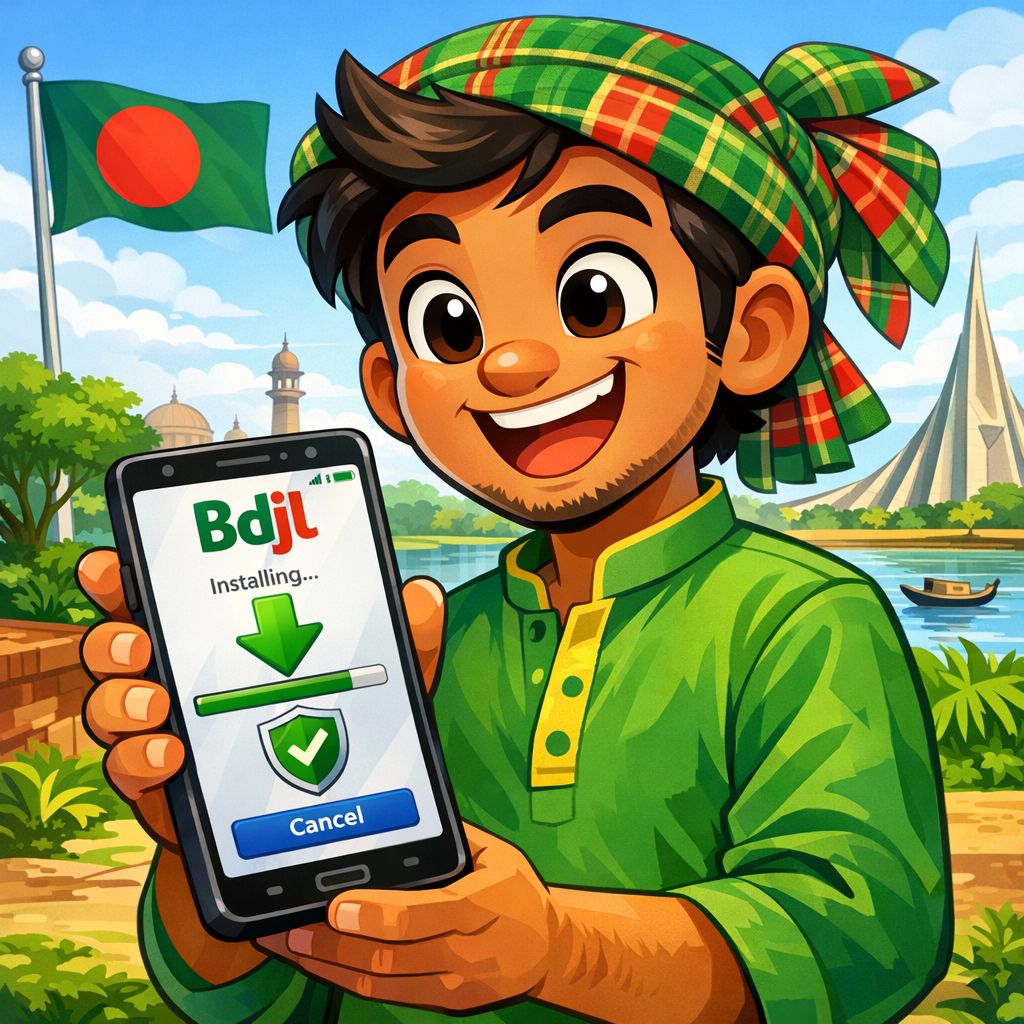
Bdjl app — How to Download & Install the APK
Installing the Bdjl app is simple if you follow a safe, step-by-step process. Because the Bdjl APK is provided directly from the official source, you can get the newest version without waiting for store approvals. Use the steps below to install confidently on Android in Bangladesh.
Step 1: Download the Bdjl APK
Tap the “Download for Android” button on this page to start downloading the latest Bdjl app APK. Wait until the file finishes downloading completely before opening it. If your browser shows a warning, confirm you want to keep the file from the official Bdjl source.
Step 2: Allow installation from your browser
When prompted, enable “Install unknown apps” for the browser or file manager you used to download the Bdjl APK. This permission is required on Android for direct APK installs and can be turned off again after setup. Return to the download and open the APK to continue.
Step 3: Install, open, and sign in
Tap “Install” and wait a few seconds for the Bdjl app to finish setting up. Open the app, then sign in or create an account to start using Bdjl features right away. For best performance, keep the app updated whenever a new version is available.
Why Choose the Bdjl app on Android
The Bdjl app is designed to feel faster than using a mobile browser, especially on busy networks. You get a cleaner layout, smoother navigation, and fewer interruptions while moving between screens. The app also helps you stay on the current version so you can access improvements as soon as they are released.
Bdjl app Features for Bangladesh Users
Fast Loading UI
The Bdjl app is optimized for quick screen transitions and lightweight performance on Android devices. It reduces unnecessary reloads and keeps the experience responsive during regular use. This means you spend less time waiting and more time getting things done.
Secure Access & Privacy
Bdjl app access is built with a security-first approach, helping protect sign-in and session activity. Use strong passwords and keep your device lock enabled for an extra layer of safety. For shared phones, always log out after finishing your session.
Direct APK Updates
With the Bdjl APK, you can update directly when a new build is available from the official source. This helps you get fixes and new features faster than waiting for third-party listings. Keeping the latest version also improves stability and compatibility.
Smooth on Mobile Networks
The Bdjl app is designed to remain usable on typical Bangladesh mobile connections. Pages are structured for efficient loading and consistent navigation. If your network is unstable, the app experience is often more reliable than repeated browser refreshes.
Bdjl app Compatibility, Storage, and Setup Tips
Before installing the Bdjl app, make sure your Android device has enough free storage for the APK and future updates. If installation fails, delete the incomplete download and try again using a stable connection. For smoother performance, close unused apps and keep Android updated to the latest version available for your phone.